
CMS with built-in digital asset management
Ensure brand consistency with digital asset management for all of your creative assets, including reuse, version control, rights management and user access.


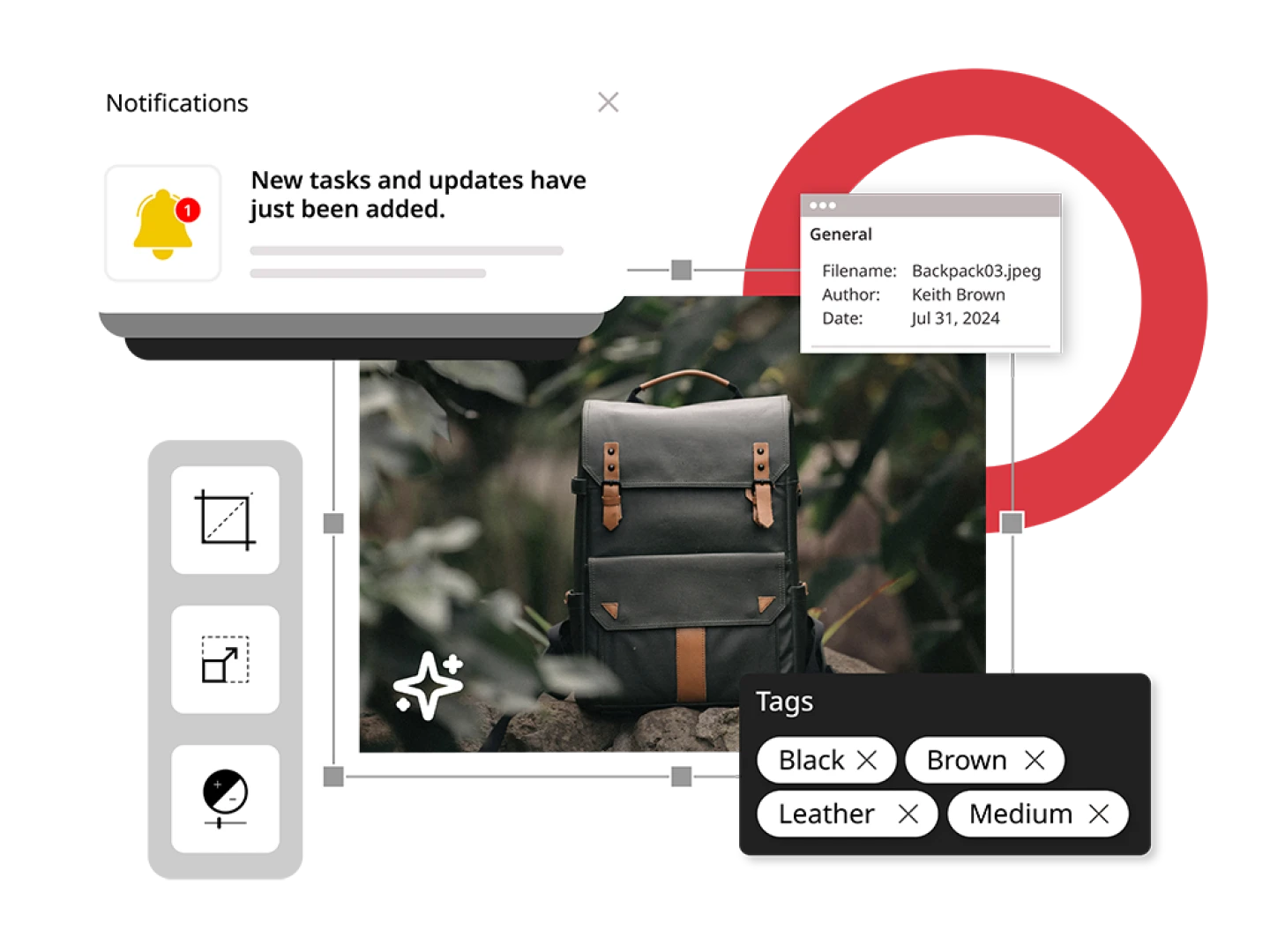
Native DAM vs. a separate DAM integration
Digital assets are constantly created, modified and saved. Maintain control with DAM capabilities that help you manage access, track asset usage and stay on top of updates and governance.
The DAM features you need in your CMS
Maintain control and increase efficiencies across all of your digital assets, including re-use, version control, rights management and user access.
Find assets
Search assets inside and outside Brightspot
Search from anywhere in the CMS to find media stored in Brightspot or in external sources like YouTube and Getty Images.
Find assets
Metadata and asset taxonomy
Organize assets with custom metadata fields and a shared taxonomy, so every team tags consistently and finds the right image, video or file faster.
Control access and usage
Role-based permissions for sites, tools and content
Create custom roles and set permissions at the site, tool and content level, so each team sees and edits only the assets it should.
Control access and usage
Rights management and licensing controls
Add rights, credit and licensing fields to any asset type, and restrict who can use or publish licensed media with content-level permissions.
Control access and usage
See where every asset is used
Track every page and site where an asset appears, so you know what changes before you update, replace or remove it.
Work with assets
Non-destructive image cropping for every display size
Crop and resize images for each display size without changing the original file, so every version traces back to one source image.
Work with assets
100+ prebuilt content types and templates
Start publishing on day one with more than 100 prebuilt content types and templates, then build custom types in the CMS or in code.
Work with assets
DAM integrations and 70+ prebuilt plugins
Connect third-party asset libraries with more than 70 prebuilt plugins, or work with our team to build a custom integration.
Real outcomes for customers
80M
digital assets in CMS, including entire print archive
Los Angeles Times
>3M
content assets stored within the CMS
Indigo Sports
20K+
videos housed in Brightspot
National Geographic

Los Angeles Times: Managing millions of media assets in one CMS
Working with Brightspot, the Los Angeles Times consolidated six legacy content stores into Brightspot’s DAM. This gave the newsroom instant access to all photos, videos, graphics and articles ever created in the Los Angeles Times’ 100-plus-year history.
Related digital asset management resources
Best CMS for enterprise: Brightspot wins 12 G2 badges
This fall, Brightspot has picked up 12 G2 badges. Instead of walking through them one by one, we asked a simpler question: what are enterprise teams, growing teams and content teams each saying about why they keep choosing Brightspot?
How DAM helps online retailers streamline content management
Learn how digital asset management helps e-commerce brands organize, manage and distribute content efficiently across multiple sales channels.
The role of artificial intelligence in enhancing digital asset management
From auto-tagging and content recognition to predictive analytics and content creation assistance, AI-driven features are transforming how businesses handle their digital assets.