
In a world full of digital directions and distractions, companies often overlook the full potential of their website content and user experience. A comprehensive audit of both can reveal key opportunities for improving user engagement, increasing conversions and ensuring a seamless user journey. Recently, our team conducted a content and experience audit for a client in the technology sector, using a best practices rubric to evaluate key components. This audit uncovered several optimization opportunities that significantly impacted the client’s digital presence.
Here, we’ll walk you through the key steps we took during the audit, incorporating real-world insights and highlighting the value of the changes implemented.
Step 1: Establishing a focused evaluation framework
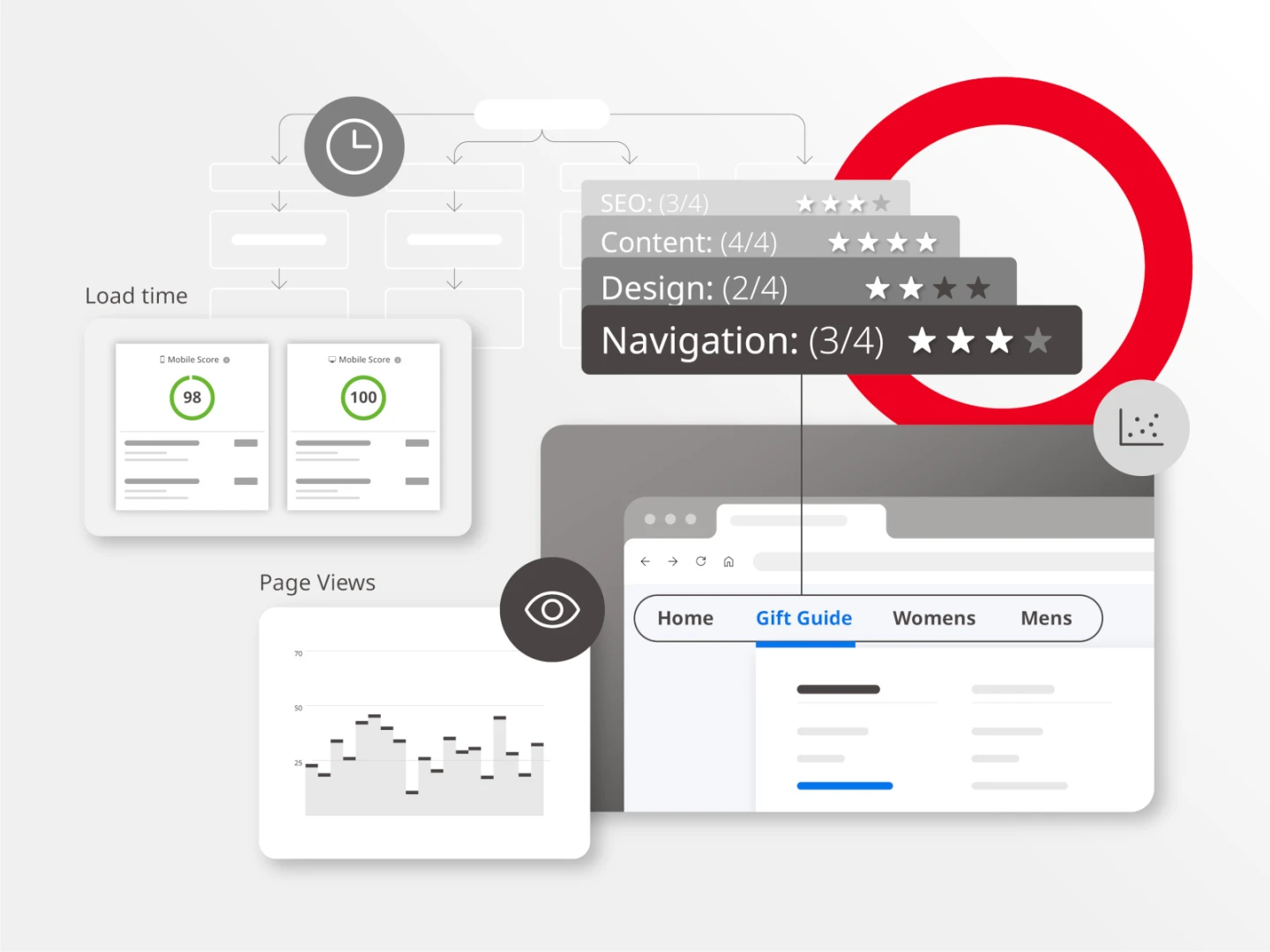
One of the first steps was establishing a clear evaluation framework. Our best practices rubric provided a structured approach to assess the site across five key areas: navigation, design, functionality, content and SEO. Each component was scored from 1 (basic) to 4 (excellent), allowing us to quickly identify strengths and areas for improvement.
The client was particularly surprised by the audit’s insights into their navigation structure. They hadn’t realized how much it was affecting usability until the audit revealed it. “It was eye-opening to see how a few small adjustments could make the site so much more user-friendly,” the client noted.
Step 2: Quantitative and qualitative data collection
For the audit, we combined both quantitative data—such as site analytics, load times and SEO performance—with qualitative data, including user behavior insights and experiential evaluations. This dual approach allowed us to develop a comprehensive understanding of how users were interacting with the site and what barriers might be causing friction.
For instance, while the client’s content was strong, the horizontal navigation system was less effective for mobile audiences. Users found it challenging to discover content, especially on mobile devices. “After the changes, it was so much easier to find what I was looking for,” said one frequent website user.
Step 3: Identifying quick wins
One of the most valuable outcomes of the audit was identifying quick wins—improvements that could be made with minimal effort but have a significant impact. For example, we recommended enhancing the mobile navigation by adding a hamburger menu and updating the site’s information architecture to improve usability. This small change significantly boosted mobile engagement. As the client reflected, “The simplified navigation was a game-changer for us. Mobile users started spending more time on the site, and we saw fewer drop-offs on key pages.”
Step 4: Long-term strategies for growth
Beyond quick fixes, we also developed long-term strategies based on the audit findings. While the website’s content was strong, its visual presentation and content hierarchy needed improvements to keep users engaged. We recommended adding dynamic elements and rebalancing text-heavy sections to create a more engaging and modern experience.
Restructuring the blog’s taxonomy also made it easier for users to find related articles, increasing the time spent on the site. One user commented, “The new structure actually made the content more accessible. I found myself exploring more areas of the site that I didn’t even know existed before.”
Use your audit to create a roadmap for growth. Consider how you can not only fix current issues but also plan for the future by incorporating emerging trends like AI-driven personalization or enhanced search capabilities.
Step 5: Implementation and continuous monitoring
The final step involved implementing the changes and continuously monitoring their impact. It’s crucial to have a system in place to measure the effectiveness of improvements. In this case, we set up tracking tools to monitor how the updated navigation and content adjustments influenced key metrics like user engagement and page load speeds.
The client appreciated the ongoing support, noting, “We loved that the team didn’t just leave us after the audit. They helped us track the improvements and kept fine-tuning the site based on the feedback we were getting.”
Conclusion
A well-conducted content and experience audit can uncover hidden opportunities for improving your website’s user experience, content effectiveness and overall SEO performance. Whether identifying quick wins or developing a long-term strategy, the insights from an audit can help transform your website into a more powerful tool for engagement and conversion. By following a structured framework like our best practices rubric, you’ll be able to zero in on the changes that will make the biggest difference.
The client summed it up best: “We never realized how many missed opportunities we had until the audit. It completely changed how we approach our digital strategy.”
Here are the key questions to understand before starting a content audit:
A content audit is intended to provide an organization with a complete inventory of their content resources, to include full breadth of coverage as well as content taxonomy and how that collection of assets is organized and presented throughout a digital property like a website, for example.
The role of a content audit is to gain a better understanding of the different content and assets across the site, and how your site visitors are (or are not) engaging with them.
There are four main components of a quality content audit. To sharpen your competitiveness and inform your overall content strategy, the first two steps should include a competitive and experiential audit; then, to inform what you should do more (and less) of, your team should conduct a physical audit for all your assets and metrics audits for those respective assets.
- Competitive audit: A competitive audit provides the team with insights into how competitors are shaping their sites, their content, and their positioning. What are they doing that seems to be working well? Do you need to shift your approach based on how competitors are messaging certain themes? In short, the competitive audit provides the opportunity to review and discuss how your competitors’ approaches can inform your own strategy.
- Experiential audit: It’s important to gain an understanding of what’s working well for organizations in other markets and industries. What best practices can you adopt from them for your own site? Are there unique approaches or standout elements from others that would resonate with your audience? The experiential audit provides a starting place for these discussions.
- Physical audit: The physical audit is essentially a website scraping. This means taking a look at everything across the site (content on the homepage, section pages, different assets, and more) and capturing metadata for each element so you can easily sort and filter to have an understanding of what you’re working with.
- Metrics audit: Once you have a sense of all content across the site, layer in a metrics audit. This is a pivotal stage as it helps the team understand what to do more of and what to do less of by assessing the site’s key pages, and usage against those pages. In the metrics audit, the team gains an understanding of which pages site visitors are viewing most often and which pages or assets are rarely seen to help inform the site’s structure and URL structure moving forward. This allows the team to easily identify which topics, themes, and sections to put greater emphasis on based on performance and which to eliminate to free up time and focus for the higher performing elements.
The benefit of a content audit is that you’ll show up as competitively as possible, based on the insights gathered throughout the content-audit process.
Once you’ve completed the various components of your content audit, the first step toward success is to to establish a framework so you can easily monitor and track the site’s metrics over and again to ensure your strategy is working. Next, teams should plan to monitor content and site metrics on a monthly basis at first — and then a quarterly basis to understand how things are (or are not) working. Which pages have the highest traffic, and which have the lowest? What content is resulting in the highest time-on-site? These insights allow teams to make adjustments as needed and continuously optimize the site’s performance.
The combination of the Brightspot team and Brightspot technology makes the process of a content audit seamless and straightforward.
Within the platform, teams can easily search and filter assets for quality checks and/or to quickly make changes to assets as needed. For example, you can filter for every article created with a “digital transformation” tag in the last 12 months, pull up the results, export the file and work within that document as needed or create a new workflow focused on those specific results. Through in-built search capabilities like bulk editing, you can also pull up a specific subset of content and bulk edit the collection if you need to change metadata to better align with a campaign without having to go through every asset one by one.
There’s also the availability of workstreams to deliver on changes identified through the audit as well as ease of redirects in case of content or migration outcomes. Brightspot supports 1:1 redirects on every asset, but also supports vanity URLs and wildcards, which are a particularly huge time saver when sunsetting a specific topic or section of content.
The Brightspot platform is structured so that it fits the model of each organization’s own unique workflows—the technology doesn’t make you adjust to it; it adjusts to you and your needs.


