These days, nobody expects to take training ... We’re all used to downloading a new app and using it right away. If [your CMS] is not intuitive enough to use without opening a manual, no one’s going to use it.
Most marketers recognize that a content management system (CMS) is a key part of building a successful digital experience platform. This is borne out by the data, showing that as of January 2021, there were over 64 million live websites using a CMS. This can put pressure on teams to choose the right right CMS option.
It can be helpful to make a checklist with requirements you can look for to make the right decision for your business. Every point on your list should speak to the stakeholders your CMS will need to satisfy. The three most important groups are editorial teams, content marketers and developers. In this piece, we go into detail on some of the CMS capabilities to look for that will be helpful to your stakeholders.
CMS checklist for editorial teams
A CMS that’s intuitive, customizable, and designed for the work, such as by having a rich text editor and drag-and-drop functionality.
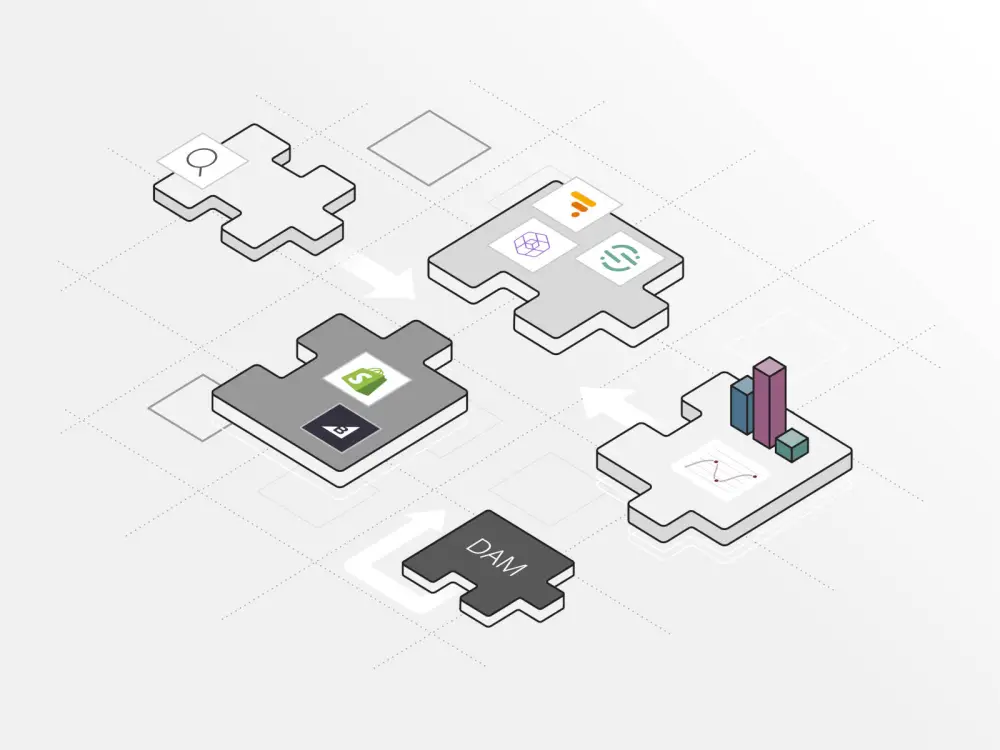
Digital asset management (DAM) capabilities that make it simple to view, edit and manage all assets.
Powerful integrations to seamlessly augment content and the option to leverage pre-developed plug-ins
Modular content, which turns content into its smallest usable component and can help to assemble content in various ways for faster presentation.
CMS checklist for marketing teams
Multisite capabilities to centrally manage content on multiple sites while maintaining brand consistency.
The option to use a headless CMS, which makes it easy to distribute consistent content to any device or channel.
The ability to customize content by region and language to easily manage global teams and audiences.
Page-management and page-building tools to make it easier to display and reorganize content, using features like style groups and content templates.
Powerful workflow capabilities to organize tasks and people to ensure control over the publishing and distribution process.
CMS checklist for development teams
Front-end freedom of choice, allowing developers to use a headless, decoupled or traditional CMS architecture—or even a hybrid model—depending on what works best for their situation.
The option to use headless or decoupled systems, which allow developers to work on the front and back ends independently, with the tools they want, and not have to worry about downtime.
Modern APIs, which make integrations easy and allow the CMS to work with other tools and even other CMS systems.
A future-proofed CMS that can evolve through integrations so developer teams don’t have to worry about needing to undergo significant reworking down the line.
Options such as configurable workflows that give editorial teams control over publishing, minimizing IT requests and giving developers freedom to focus on strategic work.
How to choose the right CMS: Conclusion
Industry experts agree that a CMS is a key part of any organization’s MarTech stack. There are many considerations when choosing a CMS, and there are solutions that can deliver it all. It’s clear today that content is integral to the success of the entire business, so by thinking about business needs and how a CMS can meet them, leaders can make the right CMS choice. It’s also important to keep in mind that organizations can choose a new CMS that augments one they already have so that they don’t need to rip and replace, and a good CMS will enable integrations so they can keep adding and making changes as company and industry standards evolve. At Brightspot we know that there’s many ways to build a CMS solution that’s perfect for your organization’s unique needs, and we’re happy to help get you there.